



WordPress powers over 43% of all websites globally, and that dominance isn’t accidental. It gives business owners and agencies complete control over the technical elements that influence local search rankings — the kind of control that proprietary builders simply don’t offer. In this article, you will learn why WordPress is best for local SEO.
Local SEO translates directly to real-world outcomes: more phone calls, more form submissions, more booked appointments. When someone searches “dentist in Denver” or “electrician near Capitol Hill,” Google prioritizes businesses with strong local signals. In 2026, near-me searches and city-based queries continue to dominate mobile behavior, making local search optimization non-negotiable for small and medium businesses across the Front Range.
Why Local SEO Matters So Much for WordPress Websites
Local SEO focuses on ranking your business in Google’s local pack, Google Maps, and localized organic results. When potential customers search for services in a specific area, Google weighs proximity, reviews, NAP consistency, and localized content far more heavily than general SEO signals.
The numbers reflect how much this matters:
- 46% of all Google searches carry local intent
- 88% of mobile searches involve local intent
- 76% of local mobile searches result in a phone call within 24 hours
- 28% of local searches lead to an in-store visit
For Denver businesses in healthcare, legal services, trades, and restaurants, those aren’t abstract statistics — they represent real revenue. A well-optimized WordPress site gives you the control needed to compete for those searches. Without a strong website backing your Google Business Profile, even great reviews won’t reliably convert searchers into customers. Google outlines how content, structure, and usability impact local visibility in its SEO starter guide.
Is WordPress better than Wix for local SEO?
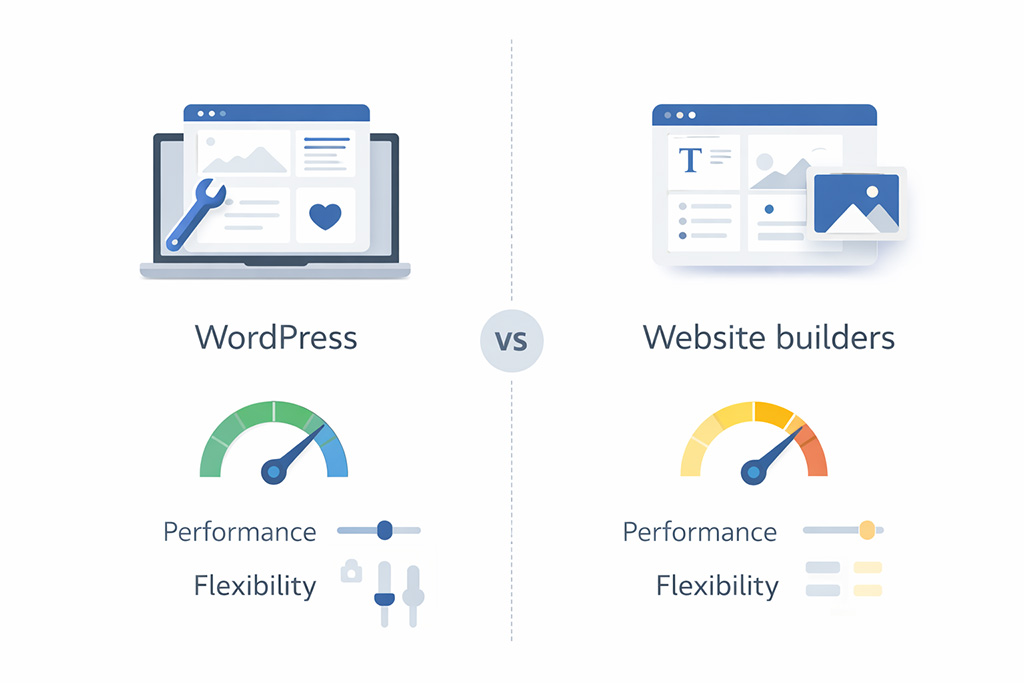
WordPress combines technical SEO-friendliness, an unmatched plugin ecosystem, and content flexibility that no proprietary platform can match. We’ve been building WordPress sites for Denver businesses since 1998, and the gap between WordPress and closed platforms like Wix or Squarespace has only widened as local search has become increasingly technical.
The advantages that matter most in practice:
- Clean semantic HTML5 markup that search engines crawl efficiently
- Full ownership of URLs, metadata, schema, and site performance — no platform lock-in
- A plugin ecosystem with over 60,000 options for precise local optimization
- Speed optimization tools capable of achieving sub-2-second load times critical for mobile users
- Scalability from a single Denver location to multiple service areas without rebuilding
The open-source WordPress platform keeps pace with Google’s algorithm updates — including Core Web Vitals refinements — in a way that proprietary systems simply cannot replicate.
Technical Foundation: How to optimize WordPress for local rankings
A strong technical foundation has to be in place before any local SEO tactic will hold. Site speed, mobile responsiveness, clean structure, and reliable hosting all matter — and WordPress gives developers complete access to optimize every one of them. This is something we prioritize on every WordPress web design project we build in Denver — performance isn’t an afterthought, it’s built into the architecture from day one.
Optimizing Core Web Vitals on WordPress
Core Web Vitals directly influence local rankings through Google’s mobile-first indexing. The three metrics that matter:
Metric | Target | What It Measures |
|---|---|---|
LCP (Largest Contentful Paint) | Under 2.5s | Loading performance |
INP (Interaction to Next Paint) | Under 200ms | Interactivity |
CLS (Cumulative Layout Shift) | Under 0.1 | Visual stability |
WordPress sites achieve these targets through lightweight themes such as Astra or GeneratePress, performance plugins such as WP Rocket, and image compression tools. Google PageSpeed Insights and Search Console provide the field data you need to monitor real-user performance.
Real-world example: A Denver-based service contractor came to us after their Wix site stalled at a 58 PageSpeed score. After migrating to a custom WordPress build with GeneratePress and WP Rocket, their LCP dropped from 4.8 seconds to 1.9 seconds. Within three months, they were ranking in the local pack for their primary service keyword — something they hadn’t achieved in two years on the previous platform.

Logical Site Structure and Internal Linking for Local Relevance
WordPress enables clear hierarchical structures that help search engines understand your services and locations:
Homepage > /services/ > /services/bathroom-remodeling/ > /services/bathroom-remodeling-denver/Internal links between service pages, blog posts, and location specific landing pages distribute authority and clarify local relevance. Use descriptive anchor text like “Denver web design services” rather than generic phrases.
Mobile-Friendly Design and Speed for Local Users
Most local searches happen on mobile devices—especially for urgent services like emergency plumbing or urgent care. Modern WordPress themes are responsive by default, adjusting layouts and tap targets for smartphones. Addressing common issues like heavy sliders, uncompressed images, and bloated plugins improves website speed and reduces bounce rates.
High-Quality Hosting and Infrastructure
Poor hosting can undo every other optimization. Slow server response times and downtime directly hurt local rankings. Managed WordPress hosting with fast response times and reliable uptime ensures Denver-area visitors experience consistently quick load times — even during local events or traffic spikes that surge demand for your site.
WordPress Content and On-Page SEO: Turning Local Searches into Leads
WordPress started as a blogging platform and evolved into a full CMS, making it ideal for publishing consistent, localized content. On-page SEO is where local optimization becomes tangible — through title tags, headings, body copy, and CTAs tailored to local search intent.
Location-Specific Landing Pages in WordPress
Instead of one generic Services page, create dedicated pages for each service area. A Denver law firm might build /personal-injury-lawyer-denver/, /car-accident-attorney-aurora/, and /criminal-defense-lakewood/ as separate pages, each with unique content referencing local landmarks, neighborhood names, and client testimonials from that area. Copy-paste pages with only the city name swapped out get penalized — Google has been consistent on thin content for years, and local search is no exception.
Using SEO Plugins to Control On-Page Local Signals
Plugins like Yoast SEO and Rank Math make it straightforward to set meta tags, SEO titles, and canonical URLs with local keywords. A “Denver Web Design” page might use a title like “Denver Web Design | SiteWired | Custom WordPress Sites” and a meta description that leads with the local value proposition. Local SEO add-ons extend this to manage multiple locations, store locators, and business hours directly within WordPress.
Building a Local Content Strategy on WordPress
Consistent local content signals relevance to Google over time and supports both Maps and organic rankings. Blog posts about Denver-specific topics, how-to guides tailored to local regulations or climate, case studies featuring real local clients, and FAQs answering questions like “How much does a kitchen remodel cost in Denver in 2026?” all build topical authority steadily. Link blog posts back to core service and location pages to reinforce your target keywords and keep authority flowing in the right direction — the same cluster structure we use across our own WordPress content at SiteWired.
Harnessing Schema Markup and LocalBusiness Data in WordPress
Schema markup is structured data that helps search engines understand your business information. LocalBusiness schema unlocks richer search results including knowledge panels and enhanced map listings — and WordPress makes implementation straightforward through plugins like Schema Pro and Yoast’s built-in schema features.
Essential LocalBusiness schema includes your business name, address, phone number, URL, and geo coordinates, business type and service area, and opening hours. Keep schema data consistent with your Google Business Profile and on-site contact page — inconsistencies create confusion for both search engines and potential customers, and we see this mistake frequently on sites that have grown without a structured plan.
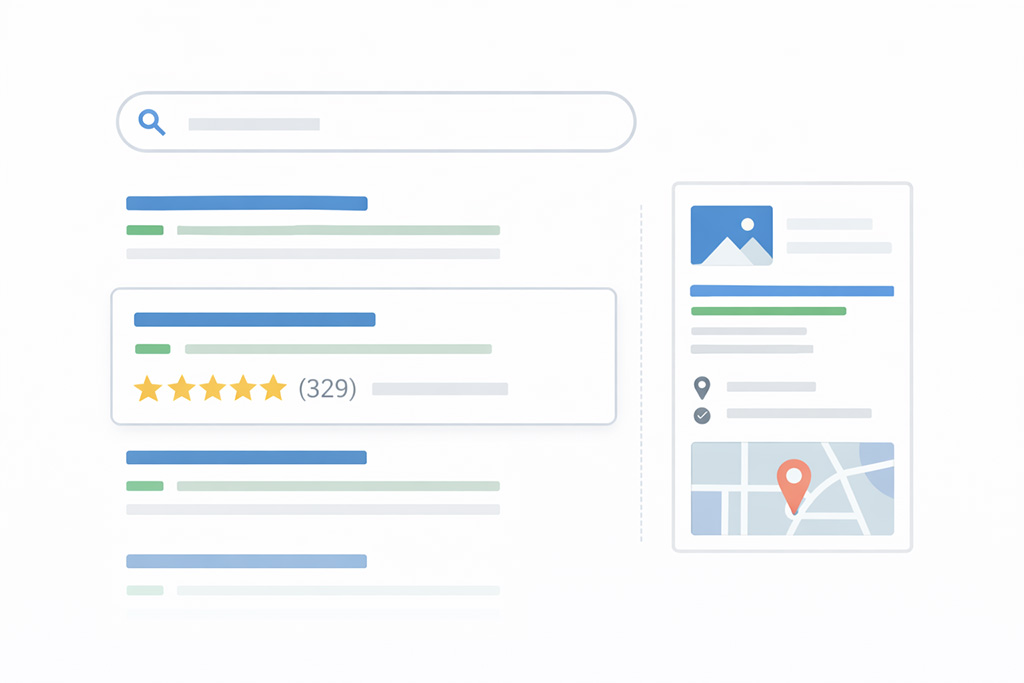
Adding review schema can surface star ratings directly in search results, improving click-through rates before anyone even visits your site. Display real Google reviews and mark them up correctly — Google’s guidelines penalize manipulative or fabricated markup, and the penalty isn’t worth the short-term gain.
Connecting Your WordPress Site with Google Business Profile and Local Citations
Your WordPress site and Google Business Profile should reinforce each other with consistent NAP data, matching categories, and aligned services. A fully optimized Google Business Profile only reaches its potential when it’s backed by a strong website — one that loads fast, matches the information on your profile, and gives searchers somewhere worth landing.
Your contact page should include full NAP details identical to your Google Business Profile, an embedded Google Map, business hours, service areas, and a mobile-friendly contact form with a clear CTA. Place NAP details in your site footer and prominently on the contact page. For multi-location businesses, create separate location pages for each office with unique maps and content — consolidating them is one of the most common local SEO mistakes we see on incoming audits.
Referencing nearby landmarks and neighborhoods in your page copy — proximity to Coors Field, the Denver Tech Center, RiNo, or Cherry Creek — strengthens local context for both visitors and search engines. It also reads naturally to Denver locals in a way that purely generic copy never does.
Showcase selected Google reviews on key pages, display photos alongside testimonials where possible, and include “Review us on Google” CTAs linking directly to your review form. Strong reputation signals complement technical optimization and give hesitant searchers the social proof they need to make contact.
Best WordPress plugins for local SEO
The right plugins streamline local SEO management without creating bloat. A typical Denver small business setup we’d recommend includes:
- Yoast SEO or Rank Math for sitemaps, meta control, and schema integration
- WP Rocket for caching and performance optimization
- Schema Pro for advanced LocalBusiness schema
- Contact Form 7 for tracked form submissions
Avoid installing overlapping SEO plugins — conflicts are common, and the debugging time adds up fast. Configure plugins correctly from the start rather than layering them on reactively as problems appear.
Integrate Google Analytics and Search Console to monitor local performance. The metrics that matter most are impressions and clicks for local keywords, calls and direction requests from your Google Business Profile, form submissions by location, and organic traffic segmented by city. Regular reporting enables iteration — updating content, improving performance, and refining CTAs based on what the data actually shows rather than what you assume is working.

Frequently Asked Questions
Is WordPress really better for local SEO than website builders like Wix or Squarespace?
Yes. WordPress offers significantly more control over URLs, schema markup, page speed optimization, and technical SEO. Proprietary builders impose limitations that prevent the customization needed to compete in local search — and those limitations become more constraining the more seriously you invest in SEO. For a detailed side-by-side breakdown, see our WordPress vs Squarespace vs Wix vs Webflow comparison for Denver businesses.
How long does it take for a new WordPress site to rank locally in Denver?
Typically three to six months for meaningful local rankings, depending on competition, domain age, content quality, and review velocity. Consistent effort accelerates results — there’s no shortcut, but there is a compounding effect that rewards businesses who build the right foundation early.
Can I manage WordPress local SEO myself, or do I need an agency?
Basic tasks like publishing content and responding to reviews are manageable in-house. Technical optimization, schema configuration, and ongoing strategy typically benefit from agency support — particularly in competitive Denver verticals where the margin between ranking and not ranking is often a handful of well-executed technical decisions.
What’s the minimum I should do on my WordPress site for local SEO in 2026?
At minimum: pass Core Web Vitals, verify your Google Business Profile, ensure NAP consistency across the web, publish at least five strong service or location pages, and implement basic LocalBusiness schema. That foundation covers the most impactful ground before you layer on anything else.
Does WordPress work for multi-location or multi-city businesses?
Absolutely. WordPress supports hierarchical structures with unique pages for each location, proper schema for multiple offices, and plugins like GeoDirectory for store locators — all without the architectural limitations you’d hit on a closed platform. We’ve built multi-location WordPress sites for Denver businesses expanding across the Front Range and it scales cleanly when the architecture is set up correctly from the start.
What does WordPress maintenance cost once the site is live?
Ongoing maintenance is a real cost that most businesses underestimate when choosing a platform. WordPress requires active management — core updates, security monitoring, backups, and performance optimization. For a detailed breakdown of what to expect, see our guide on WordPress maintenance costs and what’s typically included at each service level.
How Does WordPress Compare to Wix for Local SEO?
The gap is most visible in technical SEO control and scalability. Wix has improved its built-in tools, but it still restricts URL customization, crawl behavior management, and large-scale content expansion in ways that matter in a competitive local market. For the full breakdown, see WordPress vs Wix for SEO.
Why WordPress Plus a Strategy-First Approach Wins Local Search
WordPress is the strongest platform for local SEO because it combines technical performance, full SEO control, flexible content management, and a plugin ecosystem that no proprietary builder can match. Success isn’t about any single plugin or tactic — it requires a cohesive strategy in which a fast, mobile-friendly site, clear structure, strong content, schema markup, reviews, and a well-optimized Google Business Profile all work together.
SiteWired Web Solutions has helped Denver businesses build WordPress websites that rank since 1998. We specialize in custom WordPress web design in Denver for professional services, healthcare, legal, trades, restaurants, and nonprofits across the Denver metro area. If your current site isn’t generating the calls and leads it should, a local SEO and WordPress audit is a practical starting point — and the right foundation now positions your business to compete for the next decade of growth in Denver and beyond.