


Your ads are working. Your SEO strategy is getting traffic. Your emails are being opened. And then… everyone ends up on your product page. That page decides how much money you actually make.
If your product page feels “fine,” that is already a problem. Fine doesn’t convert. Fine doesn’t grow. Fine doesn’t get attention. eCommerce product page optimization is the only way to turn it into a reliable cash maker.
Curious? Perfect… we have plenty more coming your way. We will take you through 17 optimization strategies for eCommerce product pages, backed with examples. And we will also share 4 mistakes you don’t want to make – trust us, skipping them will cost you.
Why Product Page Optimization For eCommerce Matters: 4 Key Benefits
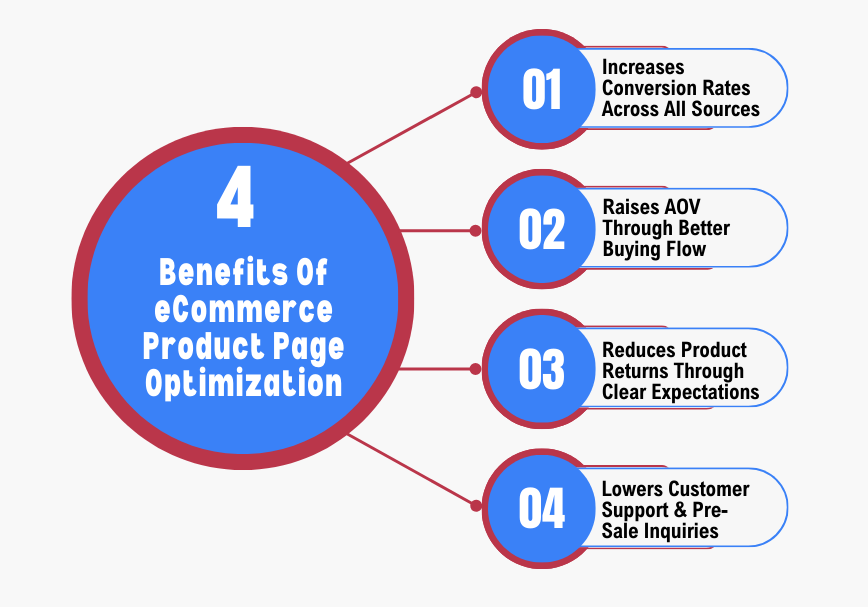
Here’s why optimizing eCommerce product pages can make your organic traffic start buying instead of just bouncing.
1. Increases Conversion Rates Across All Traffic Sources
Your visitors won’t stay forever. Every second they hesitate is a lost sale. Optimizing your product page means removing all the little things that make them bounce. When a page instantly shows what the product is and how to buy it, they will buy. It doesn’t matter if the visitor came from Google or a paid ad – an optimized page performs better across the board.
2. Raises Average Order Value Through Better Buying Flow
A well-optimized product page can quietly get shoppers to spend more without annoying them. Show a matching accessory right under the main product. Highlight a bundle deal or limited-time offer while they decide. Every small cue can turn a single-item purchase into a bigger one. It is about making extra buys a part of the natural shopping flow – not a pushy upsell.
3. Reduces Product Returns Through Clear Expectations
Returns aren’t just inconvenient – they are expensive. Most happen because people didn’t know exactly what they were buying. Product page optimization solves that. Show every angle of your product. Include exact measurements or materials. The better someone can “see” the product before buying, the less likely they are to return it – and happier buyers leave better reviews.
4. Lowers Customer Support & Pre-Sale Inquiries
Every question your target customer has is time your team loses answering it. If your product page covers the basics, people rarely need to call or email. They make their choice faster and your support team isn’t overloaded with repetitive questions. Everyone comes out ahead.
17 eCommerce Product Page Optimization Strategies That Guarantee Higher Conversions
Here are 17 ways to optimize your product pages so every visit has a real shot at turning into a sale.
Design & Layout Optimization
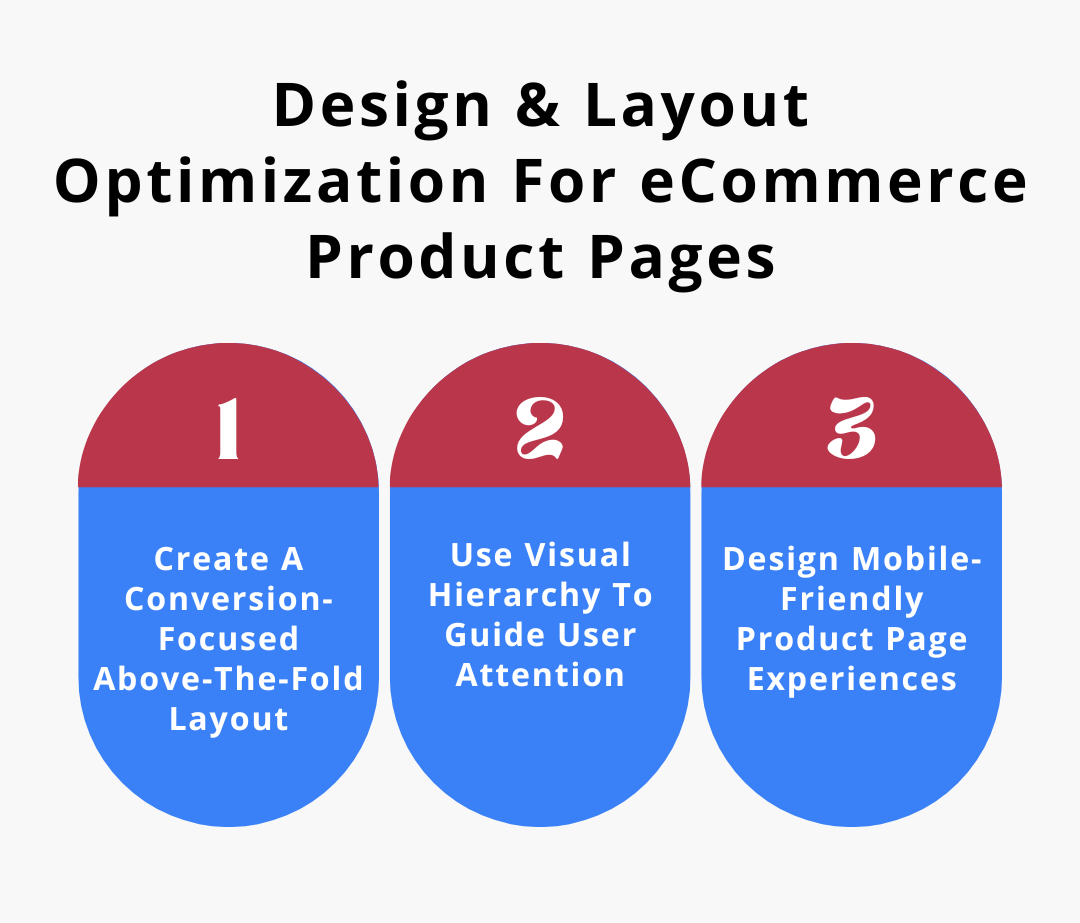
1. Create A Conversion-Focused Above-The-Fold Layout
This is the slice of your page people see before scrolling. It is where you either optimize your eCommerce funnel or leak buyers before they even scroll.
If that moment doesn’t immediately answer “what is this product?” and “why do I care?”, you already lost half the people who clicked through. Top-performing eCommerce businesses put the product name, benefit, price, and the buy button right where eyes go first.
What To Do:
- Put price + “Add to Cart” above the fold – don’t make people scroll for it.
- Use a short value statement (1 sentence) that tells people what problem the product solves.
- Make sure the main product image fills the space and shows the product clearly.
- Remove anything that doesn’t contribute to buying (ads, unrelated links).
2. Use Visual Hierarchy To Guide User Attention
Visual hierarchy is a plan for where people’s eyes go first – and second – without telling them. Big bold price, then images, then benefits, then details. Good hierarchy doesn’t overload the buyer – it tells them exactly what is important.
What To Do:
- Make your buy button the brightest, biggest clickable thing above the fold.
- Use larger fonts for price and key benefit, then slightly smaller fonts for details.
- Keep whitespace between sections so the eye jumps naturally from image → price → CTA.
- Use contrasting colors for variant selectors so people don’t overlook them.
3. Design Mobile-Friendly Product Page Experiences
People shop most on phones now. A layout that works on the desktop doesn’t automatically work on mobile devices. On mobile, you have about 3 seconds to prove the page is easy and valuable. Mobile shoppers want the elements laid out top to bottom in a way their thumb can reach easily – not teeny tiny tiny static menus.
What To Do:
- Use a sticky “Add to Cart” bar that remains visible at the bottom while scrolling.
- Place product images and information vertically so thumbs don’t tap the wrong thing.
- Replace the multi‑column layout with a single-column smooth-scroll layout on phones.
- Make dropdowns and buttons big enough that large thumbs can’t miss them.
Content & Messaging Optimization
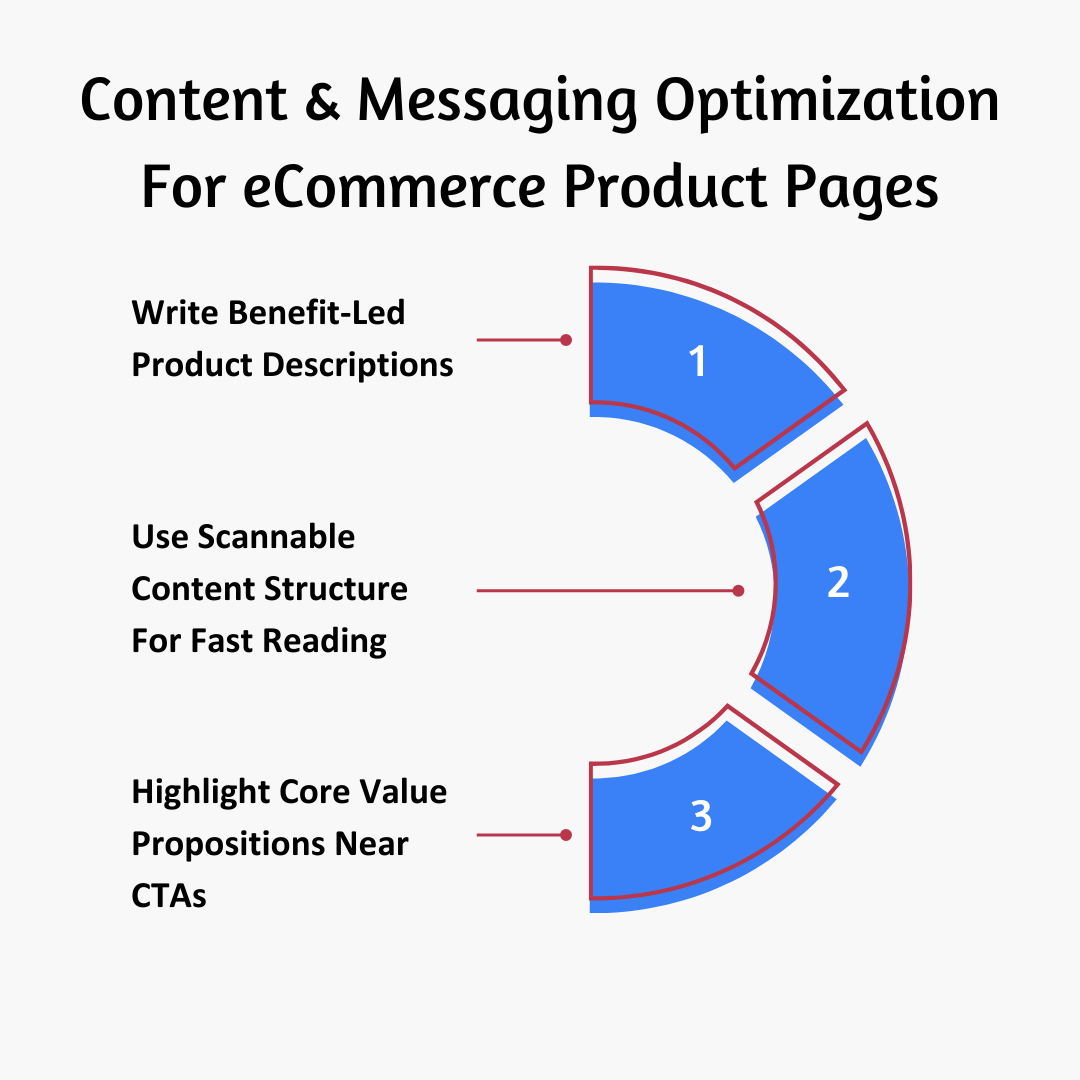
4. Write Benefit-Led Product Descriptions
People don’t buy specs. They buy what the product does for them. So your descriptions must be about real outcomes. “Stainless steel” alone doesn’t compel. “Keeps coffee hot for 8 hours” does.
What To Do:
- Add a single sentence at the top that starts with the main outcome (e.g., “Keeps drinks cold for 16 hours even in heat”).
- Include relevant keywords in the product titles and meta descriptions. Avoid keyword stuffing.
- Follow with technical details only after you have sold the result.
- Close with a reassurance sentence for a common doubt (e.g., “Easy to clean and dishwasher safe”).
5. Use Scannable Content Structure For Fast Reading
No one reads a wall of text online. Your text must break into bits people can inhale – and still get all the necessary information.
What To Do:
- Break descriptions into short bullets with key features and clear benefit statements.
- Bold key phrases so someone scanning can see the value instantly.
- Short section headers like “Comfort,” “Performance,” “Fit” help orient eyes fast.
- Put important info (shipping, warranty, size) in mini boxes so they are easy to find.
6. Highlight Core Value Propositions Near CTAs
Right next to your buy button is prime real estate. If you don’t use it for value signals, you are wasting it. People need reassurance at the moment they decide to click. Free returns, warranty, quick shipping, eco benefits – they all need to be right next to that button.
What To Do:
- Place one short line about free returns or warranty right beside the buy button.
- Use small icons with words to make value props digestible at a glance.
- Test switching which value props you show to see which increases conversions.
- Keep it tightly focused – don’t clutter the area with unrelated facts.
Content & Messaging Optimization
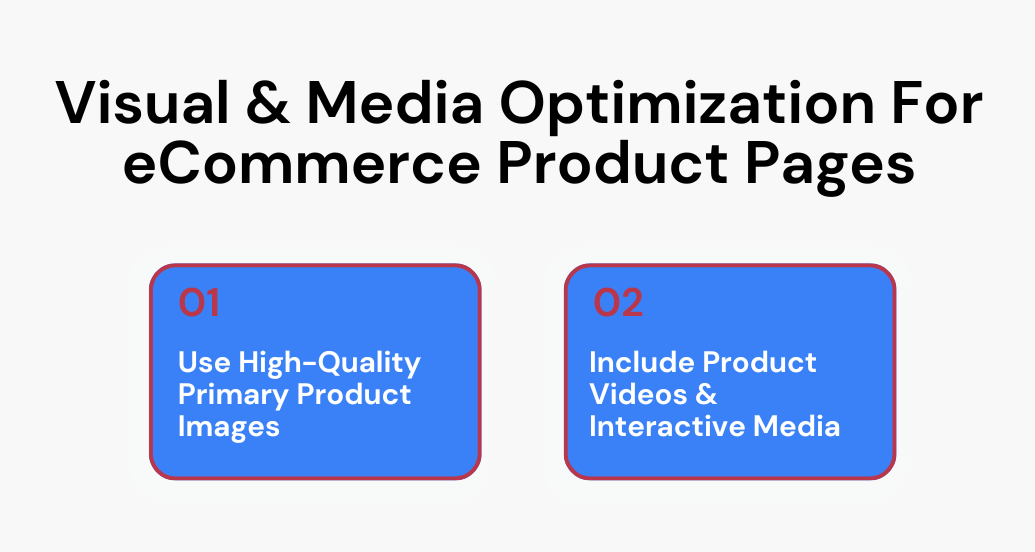
7. Use High-Quality Primary Product Images
Bad images kill sales faster than any other issue. When people can’t touch or feel a product, high-quality images do that job. Crisp pictures from different angles make visitors feel like they are inspecting the item in person.
What To Do:
- Upload at least 5 images – hero shot, different angles, close‑ups, context shots.
- Make images consistent in lighting and background.
- Enable zoom/high resolution so people can inspect details.
- Order images so the most persuasive view shows first.
8. Include Product Videos & Interactive Media
Static images show a moment. Videos show the product in life. Short clips of the product being actually used answer questions before they are asked and help increase brand engagement beyond a single visit. And when potential customers can see it in action, hesitation drops.
What To Do:
- Add a 10–30 second video showing usage or talking through benefits.
- Put the video near the main image section so it is easy to play.
- Use 360° interactive views for products where angle and shape matter.
- Keep videos simple – focus on real use, not cinematic effects.
Trust & Credibility Optimization
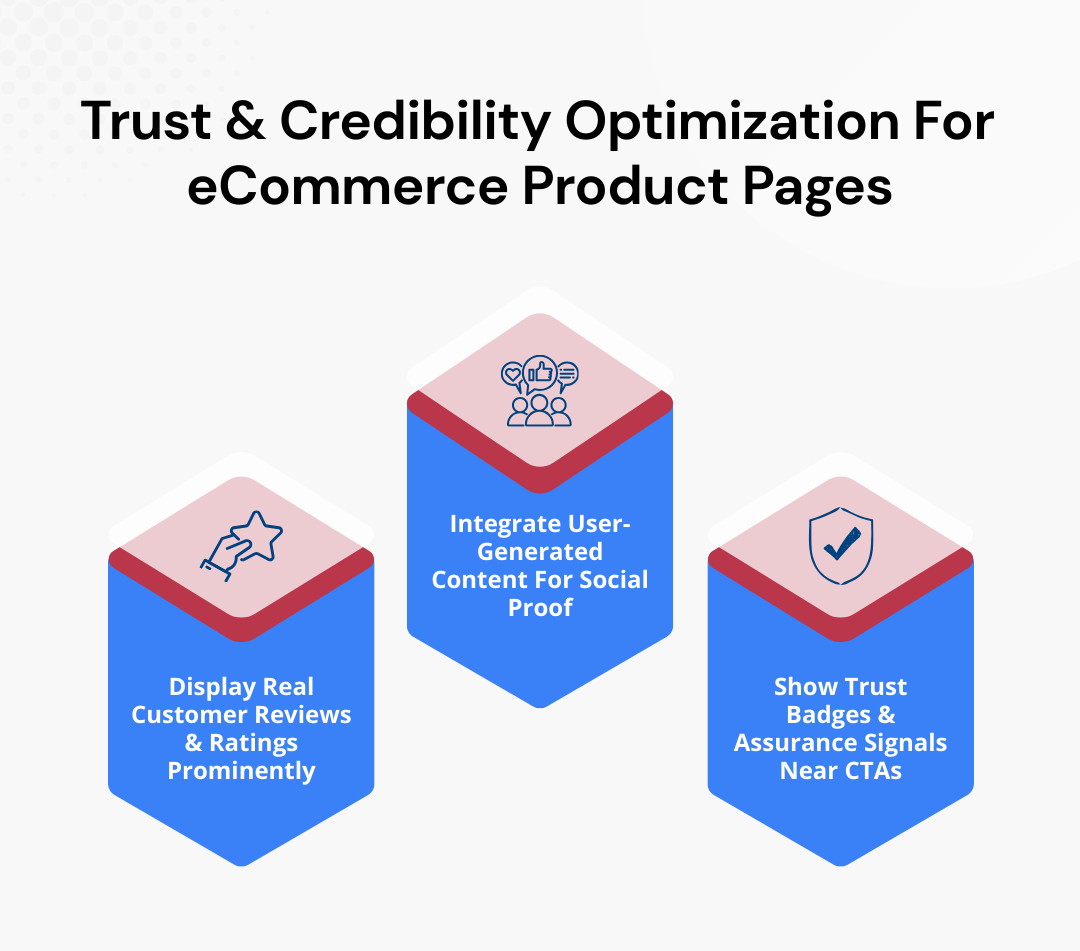
9. Display Real Customer Reviews & Ratings Prominently
Reviews aren’t decorations. They answer the question “Can I trust this?” Don’t hide them in a tab or at the bottom. Show them where visitors can immediately scan credibility before buying.
What To Do:
- Place the overall star rating and total review count right next to the product name and price.
- Highlight 3–5 top reviews above the fold so buyers see them immediately.
- Include short pros-and-cons bullets pulled from reviews to make scanning quick.
- Show a mix of text and star ratings. Focus on authenticity over polish.
10. Integrate User-Generated Content For Social Proof
Humans are skeptical. When they see photos and videos from real buyers, they know that your product exists in the real world and is usable. This creates trust and reduces hesitation at the time of purchase.
What To Do:
- Add a scrolling strip of real customer photos right next to your main product images.
- Pull content from Instagram or TikTok with hashtags or tagged posts.
- Use short captions or quotes like “Wore this for 8 hours—no issues.”
- Swap in fresh content every week so it always looks current and alive.
11. Show Trust Badges & Assurance Signals Near CTAs
Buyers would hesitate at checkout if they find you unreliable. Place trust signals close to the Add to Cart button for reassurance.
What To Do:
- Place SSL and accepted payment badges directly next to the CTA.
- Add text like “Money-back guarantee” or “Free returns” nearby.
- Include shipping reliability icons or estimated delivery times.
- A/B test badge combinations to see which one reduces cart abandonment the most.
Cross-Sell & Upsell Optimization
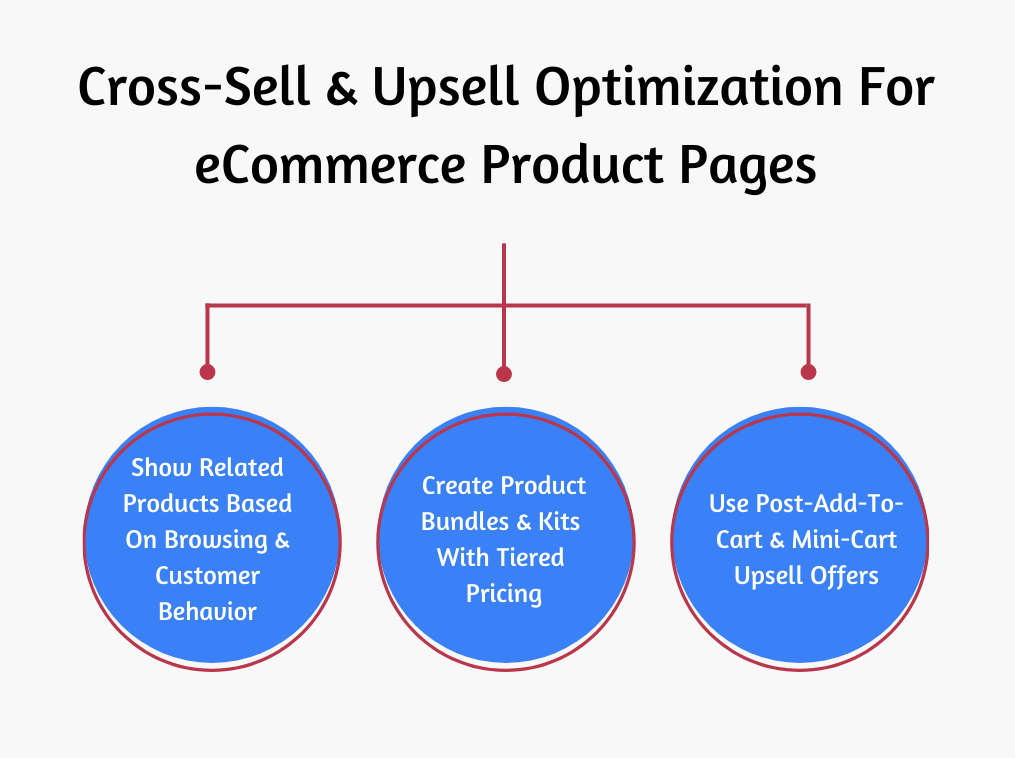
12. Show Related Products Based On Browsing & Customer Behavior
You don’t have to be pushy when suggesting complementary items. Go slow – match what buyers are already exploring or have in their cart.
What To Do:
- Display “Frequently Bought Together” items below the product description.
- Show products based on recent browsing history or similar purchases.
- Use a small, scrollable carousel of related products under the CTA.
- Track click-through and conversion to remove low-performing recommendations.
13. Create Product Bundles & Kits With Tiered Pricing
When you bundle products, you show value and savings. And it encourages customers to buy big. Tiered pricing gives your customers options so they can pick what works best.
What To Do:
- Offer pre-built bundles of 2–3 products with a discount.
- Show original price vs. bundle price and highlight the savings.
- Let customers swap items within the bundle so it fits exactly what they want.
- Test different bundle sizes and pricing tiers to find the most profitable combination.
14. Use Post-Add-To-Cart & Mini-Cart Upsell Offers
The moment someone adds an item to the cart is prime for incremental purchases. Mini-cart upsells work without breaking the shopping flow.
What To Do:
- Trigger a pop-up showing complementary items immediately after adding to cart.
- Include small incentives like “Add this today for 10% off.”
- Keep upsell visuals consistent with the main product style.
- Track click-through and remove low-performing mini-cart offers.
Conversion & CTA Optimization
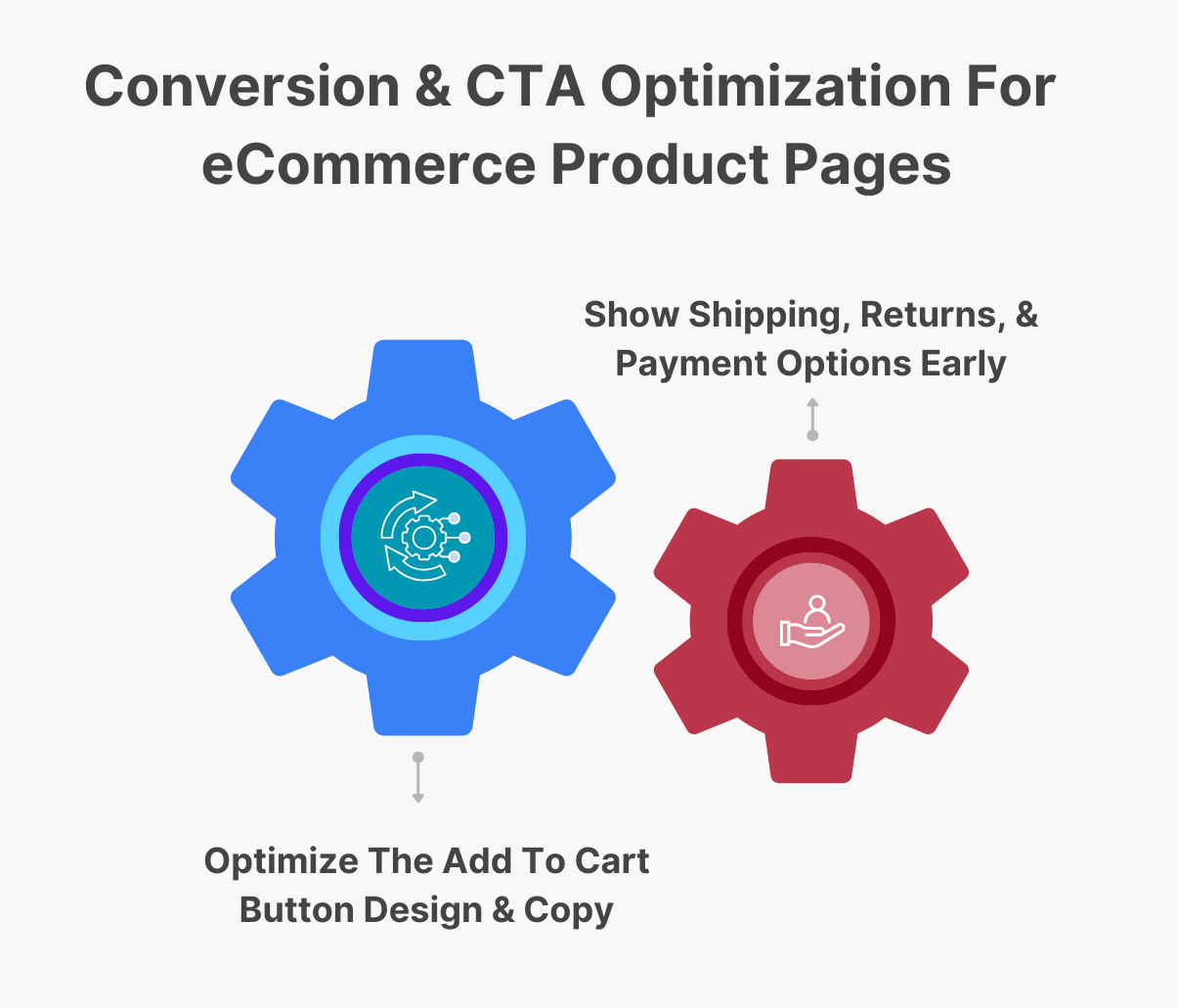
15. Optimize The Add To Cart Button Design & Copy
The Add to Cart button is one of the most important elements – arguably the most. Small tweaks here directly increase your sales because this is the exact moment people decide to buy or leave. Make it stand out. Make it obvious. Make it impossible to ignore.
What To Do:
- Use a color that stands out from the rest of the page.
- Make the button large enough for desktop and mobile clicks.
- Test copy like “Buy Now,” “Add to Bag,” or “Grab Yours” to see which converts better.
- Place the button multiple times on long web pages so it is always visible.
16. Show Shipping, Returns, & Payment Options Early
People want to know how fast they will get it and what happens if they return it. Put those details right there, and the decision becomes easy.
What To Do:
- Display the estimated delivery time and shipping cost near the price.
- Show accepted payment methods and security logos above the fold.
- Include free return or exchange policies next to the CTA.
- Use icons or microcopy to make this information easy to scan quickly.
Performance & Search Engine Optimization
17. Improve Product Page Load Speed & Technical Performance
Speed kills bounce rates. If your online store loads slowly, even perfect copy and design won’t convert. On-page optimization and technical performance engineering keep visitors around long enough to convert.
What To Do:
- Compress images and convert to WebP or AVIF for faster page load times.
- Minimize JavaScript and CSS files to reduce render-blocking.
- Use lazy loading for images and videos below the fold.
- Test page speed regularly with Google PageSpeed Insights and monitor CLS, LCP, and FID with Google Search Console. Fix slow-loading pages and other flagged issues immediately.
4 eCommerce Product Page Optimization Mistakes + How To Fix Them
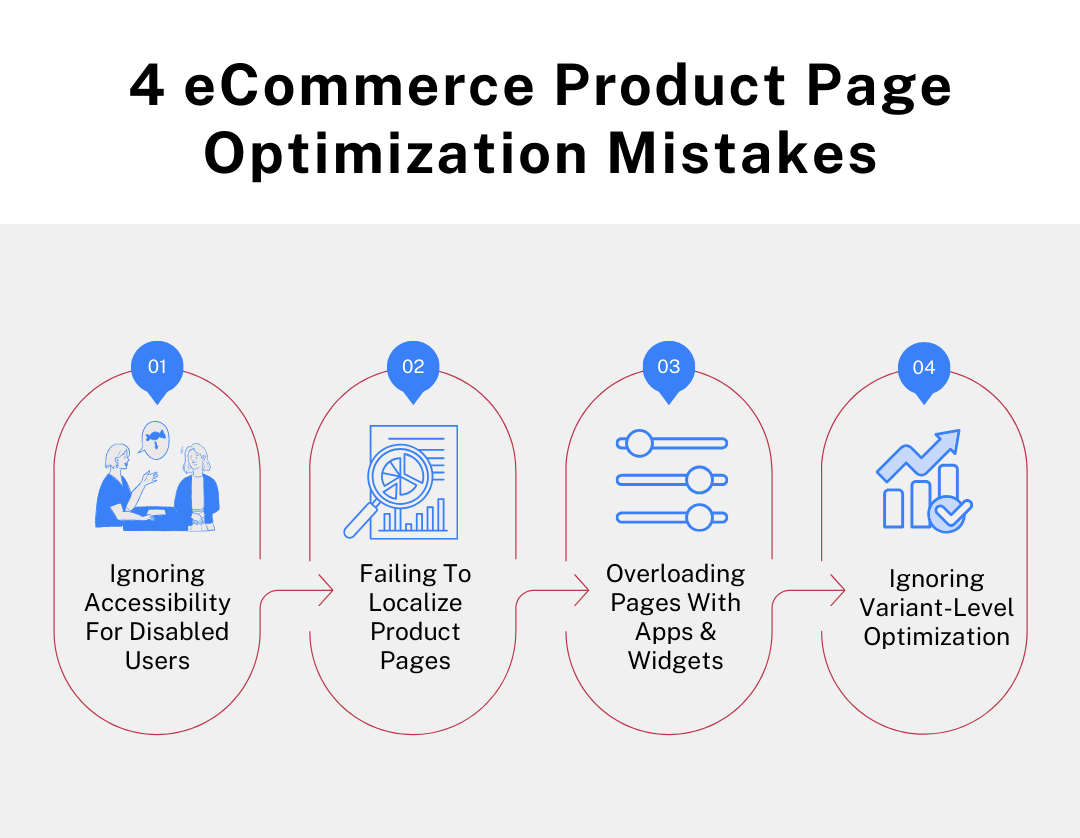
Even small mistakes on your product page can cost big in sales. Let’s run through 4 common ones and exactly how you can fix them.
1. Ignoring Accessibility For Disabled & Assistive-Tech Users
Most product pages assume every shopper uses a mouse and sees clearly. Screen readers can’t interpret unlabeled buttons. Keyboard users get stuck in carousels. Low-vision users can’t read light text on white backgrounds. These shoppers abandon fast because buying becomes hard work.
How To Fix: Add real alt text that explains the product, not generic labels. Make every interactive element keyboard-accessible and tag it properly for assistive tools.
2. Failing To Localize Product Pages For Regions & Markets
A global product page with one currency and one shipping promise creates friction. EU buyers want VAT clarity. UK buyers want GBP. Asian buyers want cm instead of inches. When customer expectations are not met, they delay and bounce.
How To Fix: Auto-switch currency, units, and delivery timelines based on IP. Show region-specific size charts and tax info directly near the price and purchase buttons.
3. Overloading Pages With Third-Party Apps & Widgets
It starts with one pop-up, then chat, then tracking, then badges, then recommendation engines. Each adds milliseconds and layout shifts. That hurts Core Web Vitals and causes layout jumps right when users try to click buy.
How To Fix: Keep only tools tied directly to conversion or revenue. Delay non-critical scripts so product content and Add to Cart load first.
4. Ignoring Variant-Level Optimization For Colors, Sizes, & Models
Variants usually share one URL and one image set. And the copy is generic too. That limits on-page SEO performance and search engine visibility, and confuse shoppers when images don’t match the selected option. Stock differences between variants also stay hidden until checkout, which triggers drop-offs.
How To Fix: Give each variant its own images and short variant-specific copy with stock signals. Create indexable variant URLs with structured data and product schema markup so each option can rank in search results and convert on its own.
5 eCommerce Product Page Optimization Examples You Can Use as Benchmarks
Let’s look at real product pages that are doing this exceptionally well and find out exactly what makes them worth copying.
1. IceCartel
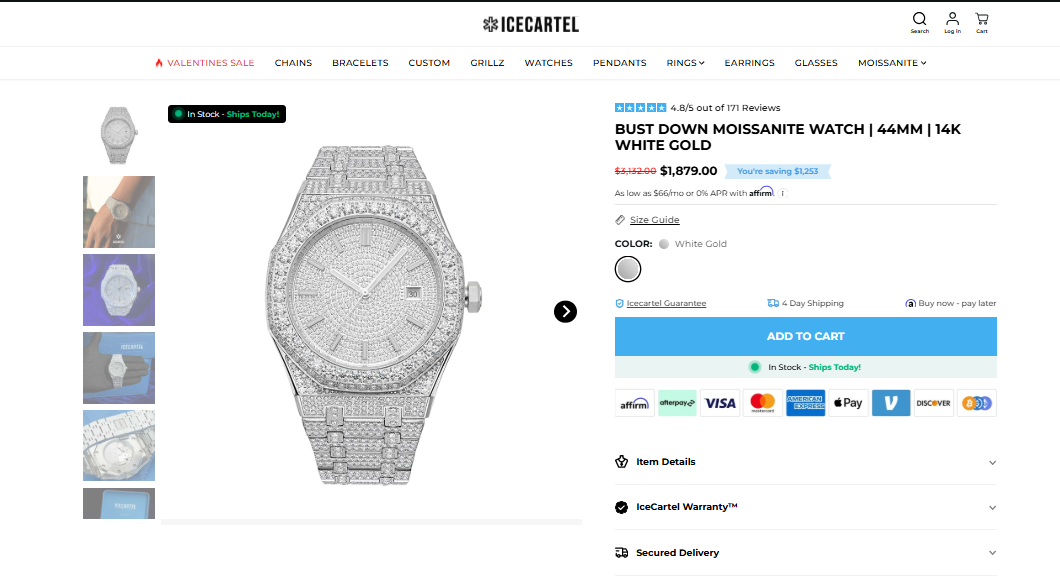
IceCartel’s iced‑out watches page wins on visual dominance and pricing clarity inside a luxury category that usually hides both. Their watch collection pages push oversized and high-resolution product thumbnails with immediate price visibility – no click required to “see details.”
That matters in high-ticket fashion because buyers price-anchor fast. They also avoid cluttered filters. Rather than overwhelming visitors with dozens of attributes, they prioritize scannability – product image, name, price. That keeps cognitive load low in a style-driven category.
Another sharp move – consistency in lighting and background. Every watch photo uses similar framing and contrast, so browsing feels premium and controlled. And this isn’t accidental – visual uniformity shows brand authority.
Many jewelry stores mix user photos and lifestyle shots with inconsistent angles in grid view. IceCartel keeps the grid clean, then expands storytelling inside individual product pages.
What makes it benchmark-worthy is how clearly the product cards preview the buying decision. No hidden pricing. No busy bits competing with the product itself.
2. SocialPlug
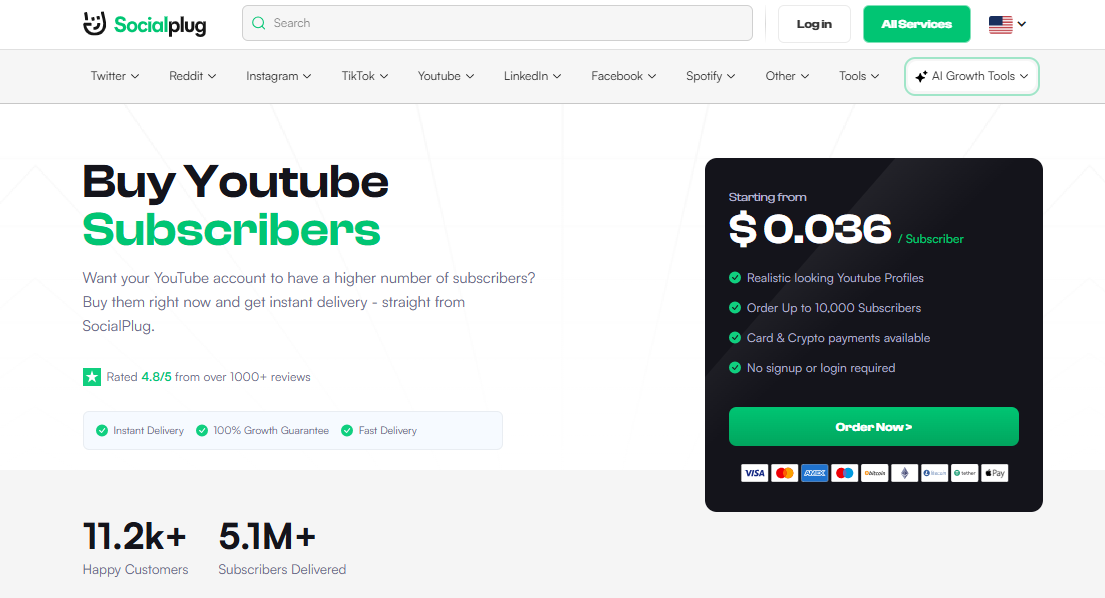
SocialPlug’s product page handles something tricky – selling an intangible digital service. The strength here is behavior‑driven structure – step‑by‑step instructions (“Choose amount of subscribers → Enter channel URL → Submit order”) are placed above the fold, so visitors aren’t left confused.
Instead of long persuasive essays, the page also structures the purchase as a transaction flow. The quantity selector acts like a pricing configurator. You instantly see what you are buying and how much it costs. That reduces friction dramatically for impulse buyers.
They also place trust metrics near the top – number of customers served, subscriber volume delivered, rating indicators. That sequencing matters. Credibility first. Mechanics second.
Another strong move – the page explains the delivery timeline clearly and directly inside the purchase section. For digital growth services, delivery speed is part of the product itself. SocialPlug surfaces it where it influences conversion most – next to the CTA.
This page works because it sells structure and clarity, not hype.
3. Bonsie
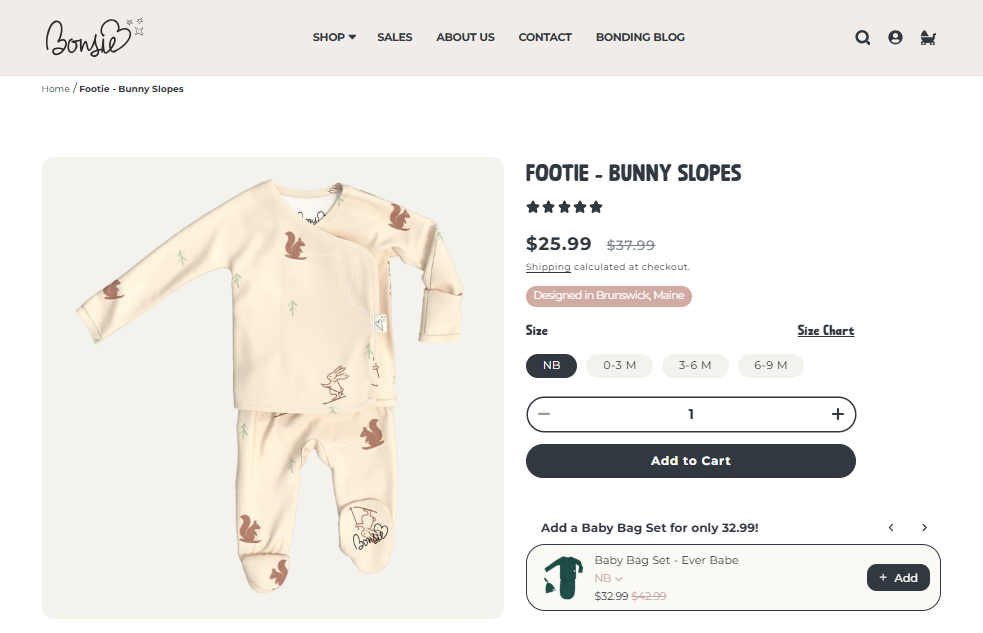
Bonsie shows you exactly how the product solves a real parenting problem within seconds. The hero section leads with a clear product photo.
Right under the main section, sizing guidance is written in plain language with weight and age clarity. That reduces the common panic parents have about buying the wrong size. Fabric details are also specific. They call out softness and stretch in simple terms that matter to someone shopping for a newborn.
The layout keeps momentum. After the top section, they move into clear benefit blocks with clean spacing. Their color selection updates product imagery immediately, and the photography remains consistent across variants. That keeps the page visually stable while browsing options.
Bonsie’s product page works because every section reinforces one thing – this makes dressing your baby easier.
4. Uproas
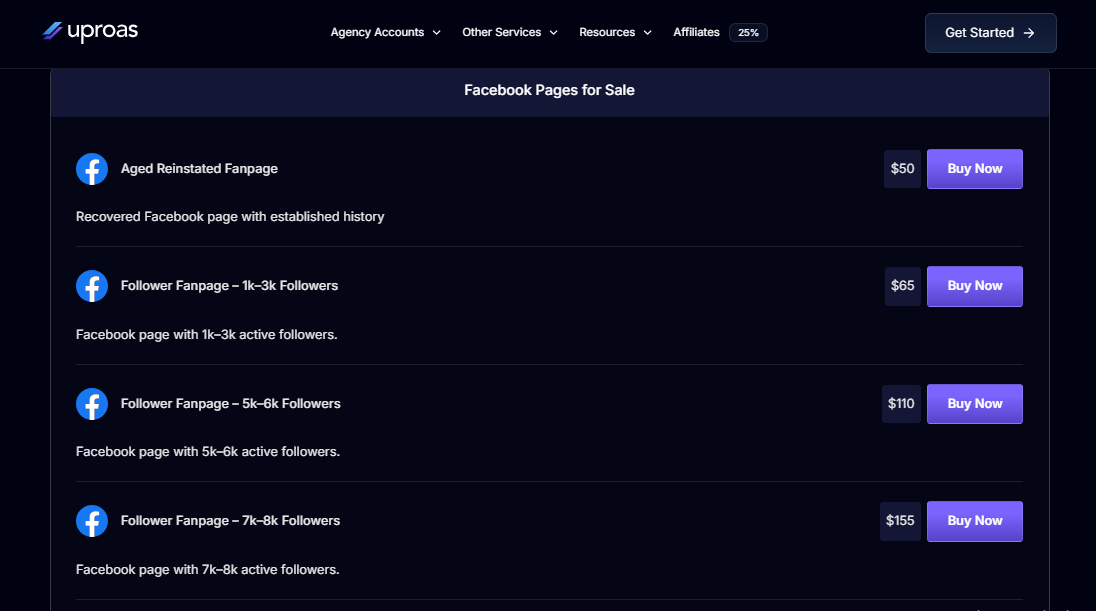
Uproas’s aged Facebook pages category is something buyers are naturally skeptical about. Rather than a simple price + buy layout, they immediately outline value propositions that matter to digital marketers – promise of “no bans,” “unlimited spend,” “higher ad approvals.”
The product page also focuses on structured clarity. Inventory is categorized clearly – follower count, age, niche. This lets buyers compare options logically rather than emotionally.
Uproas reduces uncertainty by addressing transfer mechanics inside the page. Admin handover process, eligibility for ads, monetization use – these appear before checkout friction sets in.
Pricing tiers are not hidden behind forms. Everything is visible. That transparency matters in such digital asset categories. What stands out most is how transactional the layout is. It reads like a marketplace listing rather than a sales page. That positioning makes the purchase appear operational rather than risky.
5. Medical Alert Buyers Guide
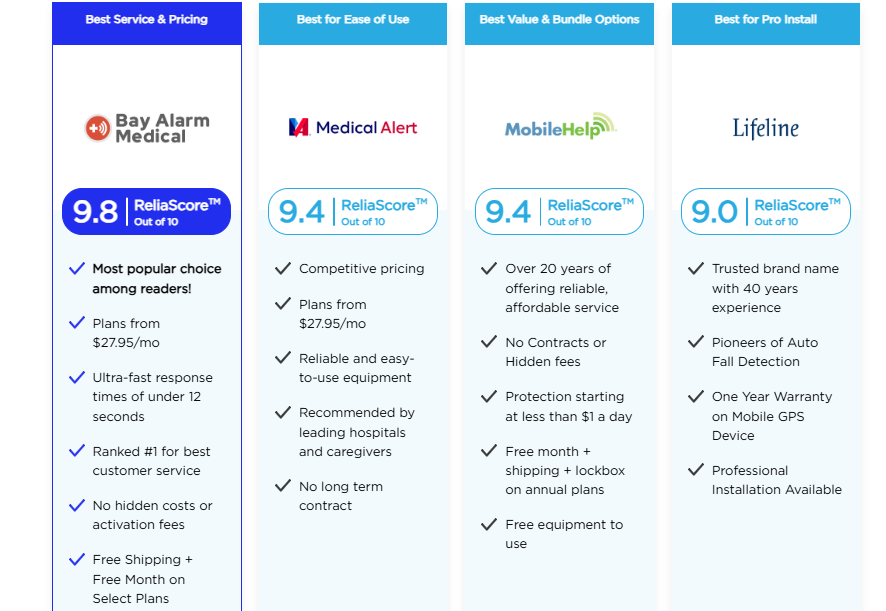
MedicalAlertBuyersGuide’s mobile medical alert systems page is different. It is not selling directly – it is selling decision confidence. And they are doing it so perfectly that we couldn’t resist sharing it.
The product ranking pages structure comparison data tightly: pricing, contract terms, equipment type, monitoring style. Instead of paragraphs, they use structured evaluation blocks that reduce decision fatigue.
They also place methodology transparency clearly – explaining testing criteria and scoring logic. That is rare. Most comparison sites skip this. By revealing how products are ranked, they increase trust in recommendations.
Another great thing: urgency without manipulation. “Updated for 2026” signals freshness without countdown timers or fake scarcity. MedicalAlertBuyersGuide works because it optimizes for clarity before conversion and it earns the click-out rather than pushing it.
Conclusion
Your traffic is borrowed attention. Your product page is where you either convert it into revenue or waste it. There is no middle ground. eCommerce product page optimization is the difference between an eCommerce store that “gets visitors” and a store that prints consistent sales.
So audit one product page this week and be ruthless. Remove anything that doesn’t help someone choose or purchase. Strengthen what makes them act. Then repeat that process across your catalog.
At SiteWired, we have been building and optimizing high‑performance e-Commerce sites since before rapid page speed and conversion frameworks were a thing. We obsess over site performance, checkout flow, variant handling, and mobile optimization from day one.
Our 100% U.S.-based team custom-crafts WordPress or WooCommerce stores tuned for your customers and your business model. We also add the technical SEO foundations you need so that on-page optimization isn’t a one‑off sprint but a long game advantage.
Get a free quote or schedule a meeting today, and let’s start building the kind of e-Commerce page experience your traffic actually converts on.