


If you’re comparing WordPress vs Squarespace vs Wix vs Webflow Denver, you’re not just choosing how your website will look—you’re deciding how your business will compete online.
In a market like Denver, that decision has real consequences. Some platforms make it easier to grow your visibility, expand your content, and generate leads. Others make those same things harder over time—even if they feel easier at the beginning.
We’ve worked with businesses across Colorado for decades, and we’ve seen the same pattern repeat itself. Companies don’t usually struggle because they picked a completely wrong platform. They struggle because they picked one that couldn’t support their growth.
At launch, everything feels fine. The design looks clean, the site works, and it checks the basic boxes. But a year later, when they want to rank for more services, expand into surrounding areas, or improve conversions, the platform starts to push back.
This guide breaks down the real differences between these platforms—not just features, but how they impact SEO, scalability, performance, and long-term return on investment.
The Real Question Most Businesses Should Be Asking
Most comparisons focus on features—templates, drag-and-drop editors, or pricing tiers. Those things matter, but they don’t determine whether your website will actually perform.
The better question is:
Can this platform support where your business needs to be in two or three years?
If your goal is just to get something online, almost any platform will work. But if your goal is to rank in Google, generate consistent leads, and grow your business, the decision becomes much more strategic.
That’s where the difference between WordPress, Wix, Squarespace, and Webflow becomes clear.
How These Platforms Compare in Practice
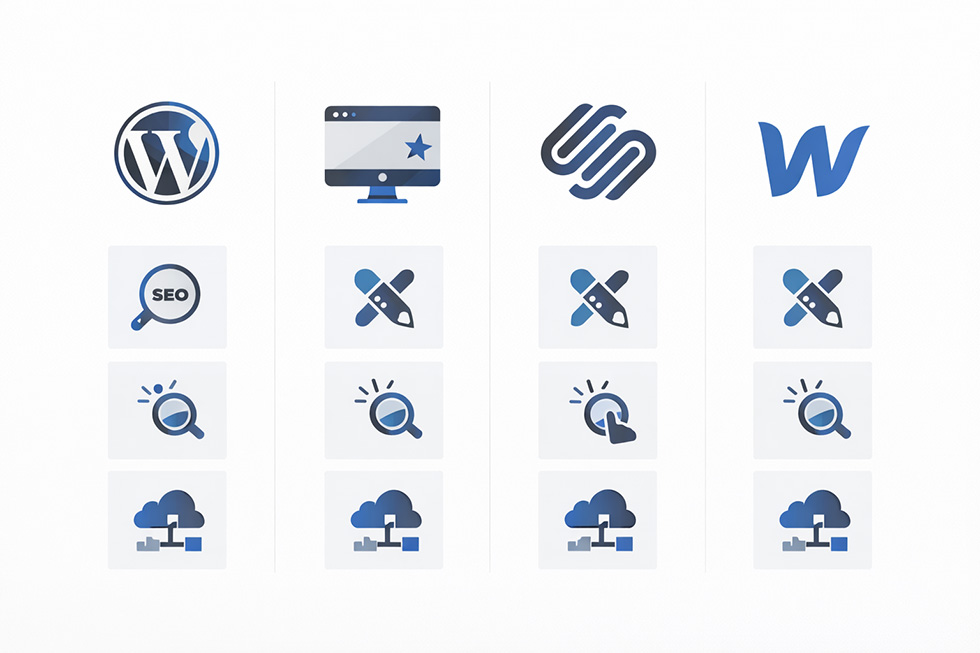
At a high level, each platform has a clear role.
WordPress is built for flexibility and growth, especially for businesses looking to invest in WordPress web design in Denver that supports long-term SEO and scalability. It allows full control over your SEO structure, content strategy, and technical configuration, making it the most adaptable platform over time.
Squarespace is designed for simplicity and design consistency. It’s easy to use and produces clean-looking sites, but it limits how far you can push customization and SEO.
Wix is built for beginners. It’s fast and accessible, but tends to struggle when businesses try to scale beyond a basic website.
Webflow is a hybrid between design and development. It offers high-end visual control and clean code, but it requires a higher level of technical understanding and isn’t always ideal for ongoing content expansion.
On paper, all four can work. In practice, the right choice depends on how far you plan to go.
Why Platform Choice Matters More in Denver
Denver is a competitive digital market. Ranking for even moderately competitive keywords requires more than just having a website—it requires structure, content, and consistency.
Competition in Denver Search Results
Across industries like home services, legal, and professional services, you’re competing against businesses actively investing in SEO. These companies are building content, optimizing their websites, and improving performance over time.
If your site isn’t built to support that, it’s going to fall behind.
Platform Limitations That Affect Rankings
Many DIY platforms restrict:
- URL structure and hierarchy
- Advanced SEO configurations
- Page speed optimization
- Content scalability
These limitations aren’t obvious at first, but they become critical as you try to grow.
What We See Across Denver Businesses
Across the Denver market, we see a clear pattern. Businesses that invest early in the right platform tend to build momentum. They expand their content, improve rankings, and generate more leads over time.
Businesses that start with limitations often plateau. They hit a point where growth becomes difficult—not because of effort, but because of the system they’re using.
That’s why we approach every project through a
👉 custom web design strategy instead of relying on templates.
WordPress: Built for SEO and Long-Term Growth

WordPress stands out because it doesn’t impose artificial limits on your site. This is one of the main reasons businesses eventually move toward a WordPress website built for long-term SEO performance, rather than staying on more limited platforms.
It gives you full control over:
- Site architecture and internal linking
- On-page SEO elements
- Technical SEO (schema, redirects, indexing)
- Content expansion
As an open-source platform, WordPress offers a level of flexibility that most closed systems can’t match.
One factor many businesses overlook when choosing WordPress is ongoing maintenance. While it offers more flexibility and control, it does require active management over time. If you’re evaluating long-term ownership, here’s a breakdown of WordPress maintenance costs and what you should expect.
Why It Performs Better Over Time
As your business grows, your website needs to grow with it. That might mean adding service pages, targeting new locations, or building out content clusters.
Performance metrics like Core Web Vitals play a growing role in how websites are evaluated for user experience and rankings.
WordPress supports all of that without friction.
Real Example: Rebuilding a Denver Service Business Website
We worked with a Denver-based service company that initially launched on a drag-and-drop builder. The site looked professional, but it wasn’t generating organic leads.
The issue wasn’t just content—it was structure. They couldn’t scale service pages or properly target local search.
After migrating to WordPress and rebuilding the site around a structured SEO strategy, the results changed. Within months, they began ranking for multiple service keywords across the Denver metro area, and organic leads became consistent.
👉 If you’re dealing with a similar situation, our website redesign services are built for businesses that have outgrown their current platform.
Squarespace and Wix: Where Simplicity Meets Limitations
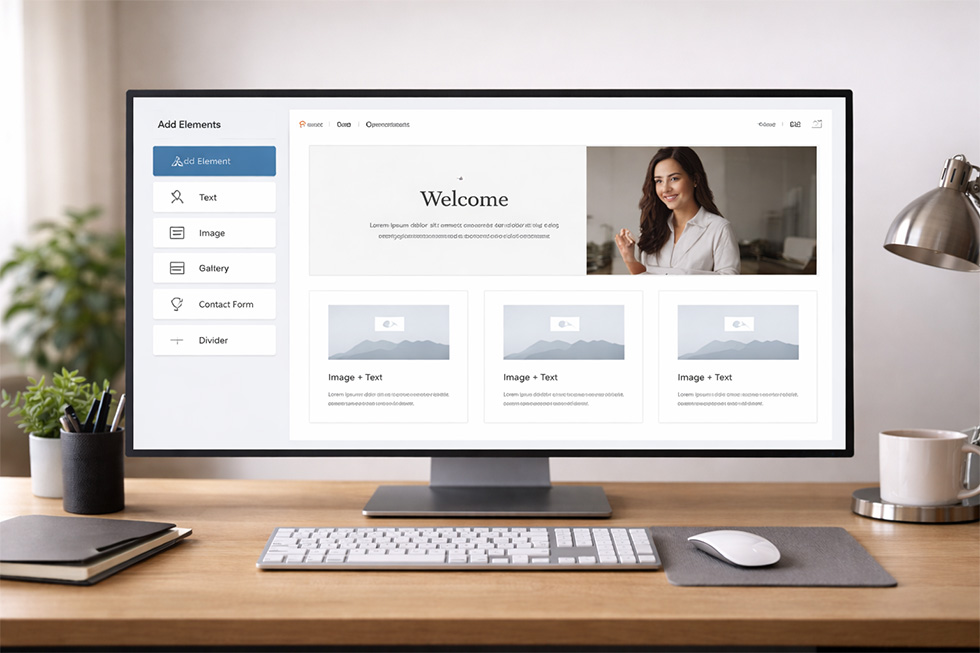
Squarespace and Wix make it easy to launch a website, and for certain businesses, that’s enough.
Where They Work Well
If your website is primarily informational and doesn’t rely heavily on SEO, these platforms can be effective. They’re quick to set up and require minimal technical knowledge. Wix has improved its built-in SEO tools over time, making it a viable option for simpler websites.
Where They Start to Break Down
As soon as you try to expand your site, the limitations become more noticeable. Adding structured content, optimizing more deeply, or scaling across multiple service areas becomes more difficult.
This is why many businesses eventually migrate away from these platforms—not because they’re bad, but because they weren’t built for growth.
WordPress vs Wix
WordPress and Wix are often compared because they represent two very different approaches to building a website.
Wix is designed for simplicity and ease of use, allowing businesses to launch quickly with minimal setup. WordPress, on the other hand, is built for flexibility, giving you full control over your website’s structure, content, and long-term growth.
For businesses focused specifically on search visibility, the differences become more noticeable over time. WordPress allows for deeper control over SEO elements, while Wix prioritizes simplicity.
For a more detailed breakdown of how these platforms compare from an SEO perspective, see our WordPress vs Wix for SEO guide.
Webflow: Strong Design, Specific Use Cases
Webflow offers a high level of design control and produces clean code, which can support strong performance.
Where Webflow Excels
For design-focused businesses, Webflow allows for highly customized layouts without relying on templates.
Where It Becomes Less Practical
For businesses that rely on ongoing content expansion and SEO, Webflow can be less flexible than WordPress. It requires a more technical workflow and doesn’t always scale as easily for large content strategies.
Which Platform Actually Performs Best for SEO?
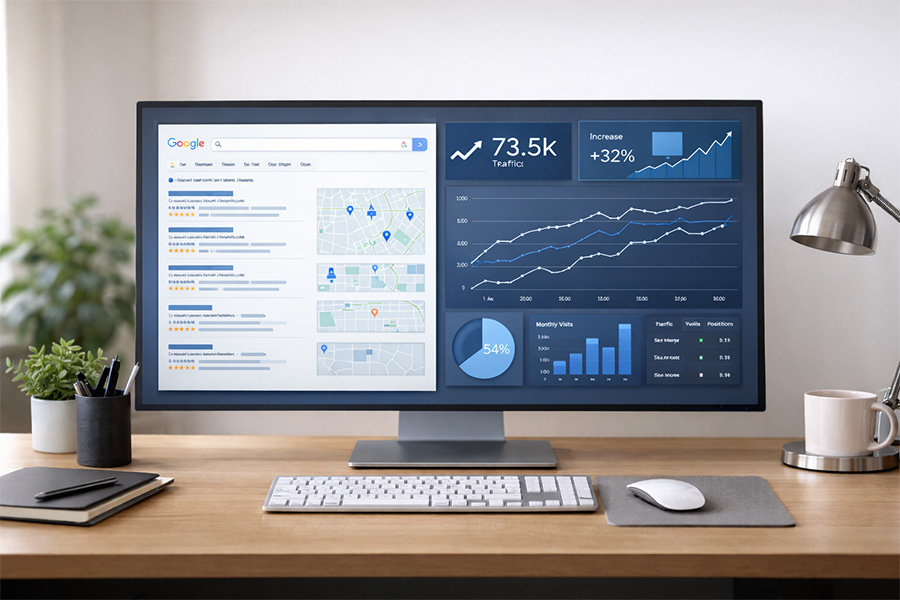
Search engines don’t rank platforms—they rank content. But the platform you choose affects how easily you can execute your SEO strategy.
Platform vs Execution
A well-built site on any platform can rank. But some platforms make it easier to:
- Expand content
- Optimize technical elements
- Build internal linking structures
Why WordPress Wins for Local SEO

WordPress consistently performs best because it allows full control over your SEO strategy. You can build out content, target multiple keywords, and refine your site over time.
For businesses serious about ranking in Denver, that flexibility matters.
This is why most of our WordPress web design projects in Denver are built with long-term SEO in mind.
Cost vs Long-Term ROI
Upfront vs Long-Term Costs
DIY platforms often appear more affordable, but that’s only part of the picture.
Hidden Costs Most Businesses Miss
Many businesses end up rebuilding their site within a few years because their original platform couldn’t support growth. That second build is where the real cost shows up.
The Turning Point Most Businesses Reach
At some point, most businesses hit a decision point. They either continue trying to make a limited platform work, or they rebuild with a strategy designed for growth.
Once a site is built correctly—with SEO, structure, and conversion in mind—everything becomes easier.
👉 If you’re at that point, it’s worth exploring our web design services to see what a growth-focused site should look like.
Final Recommendation for Denver Businesses

For most businesses focused on long-term growth, WordPress is the strongest choice. It provides the flexibility, control, and scalability needed to compete in a market like Denver.
Squarespace and Wix can work for simpler use cases. Webflow is strong for design-heavy projects.
But if your goal is visibility, leads, and growth, WordPress is the most reliable foundation.
Frequently Asked Questions
What is the best website platform for Denver businesses?
For most Denver businesses focused on SEO, scalability, and long-term growth, WordPress is typically the best platform. It provides full control over site structure, content, and optimization, making it easier to compete in local search results. WordPress is typically the best option for businesses looking to invest in long-term growth.
Is WordPress better than Wix or Squarespace for SEO?
WordPress generally offers more flexibility for SEO, including control over technical elements, content structure, and scalability. While Wix and Squarespace have improved, they can still present limitations when trying to grow a site’s visibility over time.
Can I switch from Wix or Squarespace to WordPress later?
Yes, many businesses start on Wix or Squarespace and later migrate to WordPress as their needs grow. However, it’s important to handle the migration carefully to avoid losing rankings, traffic, or site structure.
Which platform is best for long-term website growth?
WordPress is usually the best option for long-term growth because it allows you to expand your content, optimize your site, and adapt your SEO strategy without running into platform limitations.
Still Not Sure Which Platform Is Right?
If you’re weighing your options and want to make the right decision the first time, it’s worth looking at your website as part of a larger growth strategy—not just a design project.
We work with Denver businesses to build WordPress websites that are structured for SEO, scalability, and long-term lead generation.
Explore our WordPress web design in Denver services to see how we approach building websites that actually perform.